Still the human who signed up.
Account handoff check
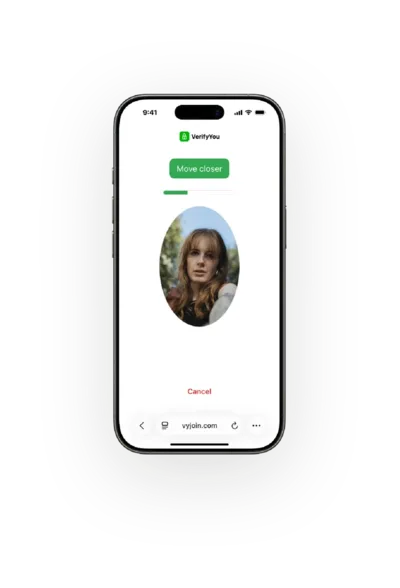
A login's device, network and location get watched passively, the whole time. If one looks risky, a 3 second, anonymous selfie confirms the face that opened the account, no ID.
A password gets shared or sold, and the person using the account isn't the one who opened it.
A SIM swap or a ported number moves the text code to someone else's phone.
A password reset arrives from a new device in a new city, and the text code still goes through.
01
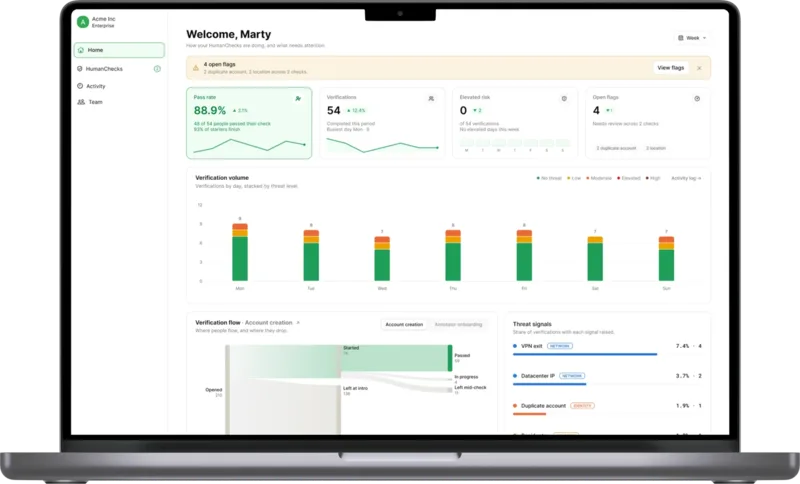
Device, network and location signals run in the background on every login and build a history, so a new place or a new device stands out.
02
An anonymous HumanCheck, a 3 second selfie, confirms the face at a new device, a reset or a large transfer matches the one that opened the account.
03
Two API calls from your login, reset or transfer flow: one starts the check, one confirms the result. It runs as a step-up check next to the factors you already use, and your WebAuthn and TOTP setup stays as it is.
Start with a free pilot: see what the check catches on your own users, with no dev work to begin.
With tools like VerifyYou, AI becomes a force for good. It helps prevent AI-driven fraud and can be done with much lower friction than what we built over the years.
Built by humans from
We keep a face code, not the photo, and hold it under SOC 2 Type II and ISO 27001:2022 compliant controls.
No images stored. VerifyYou does not store images.
No ID or documents. HumanCheck anonymously confirms there is a real, live, unique person, with no name or ID.
A face code, not a photo. We treat it as sensitive biometric data.
 SOC 2 Type II
 ISO 27001:2022
 ISO/IEC 30107-3 PAD Level 1 & 2
 GDPR compliant
That's your call, and some teams want to. NIST's authentication guidelines (SP 800-63B-4, July 2025) class text-message codes as a restricted authenticator, because a SIM swap or a ported number hands the code to someone else. A pilot on your reset flow shows how a face check behaves before you change anything.
It runs beside them as a step-up check, so your WebAuthn and sign-in provider setup stays as it is. You call anonymous HumanCheck from your login or recovery flow with two API calls, and your server confirms the result before letting the person through.
You can, but an ID check is heavy for a password reset. A face check needs no documents and takes about 3 seconds.
Yes. The face at the camera is compared against the one that opened the account, so a shared or sold login shows up as a mismatch even with the right password.
No. We keep a face code, not your users' images.
It's two API calls: one to start the check and one to read the result.
No. It sits on top of your stack, so you keep your KYC and bot tools.
It's 50 to 100 times cheaper than KYC. You pay per check, and nobody uploads an ID document.
Blog
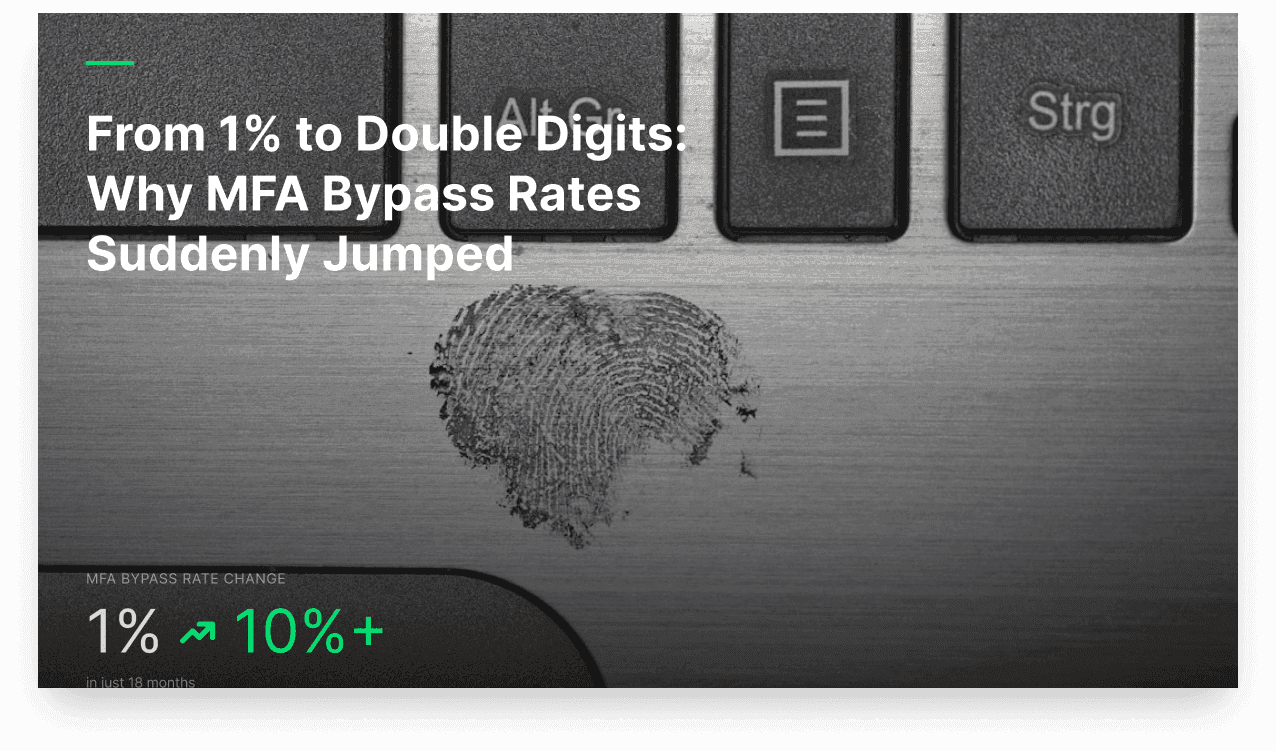
From 1% to Double Digits: Why MFA Bypass Rates Suddenly Jumped
Just 18 months ago, MFA (Multi-Factor Authentication) bypass rates were below 1%. Today, those rates have climbed into double digits.
Read the post
Blog
The Best Human Verification Platforms in 2026
Human verification covers four different product categories that solve four different problems. This guide separates them, compares what each one confirms, and shows which published prices vendors actually disclose.
Read the post
Blog
Sybil Attacks in AI Data Labeling: How Platforms Prevent Them in 2026
How one person running many annotator accounts distorts training data, how the major labeling platforms defend against it today, and how the tools built to stop it compare.
Read the postVerifyYou scales trust: passive signals on every session, a face check only when risk calls for it.
We use cookies. Privacy